 |
| Before Occlusion Node Was Added |
 |
| After Occlusion Node Was Added |
 |
| Skin Adjustments (Tint Of Red And Blue) |
 |
| Ground Adjustments |
 |
| Clothes Adjustments |
 |
| Shoe Adjustments |
 |
| Hair Adjustments |
 |
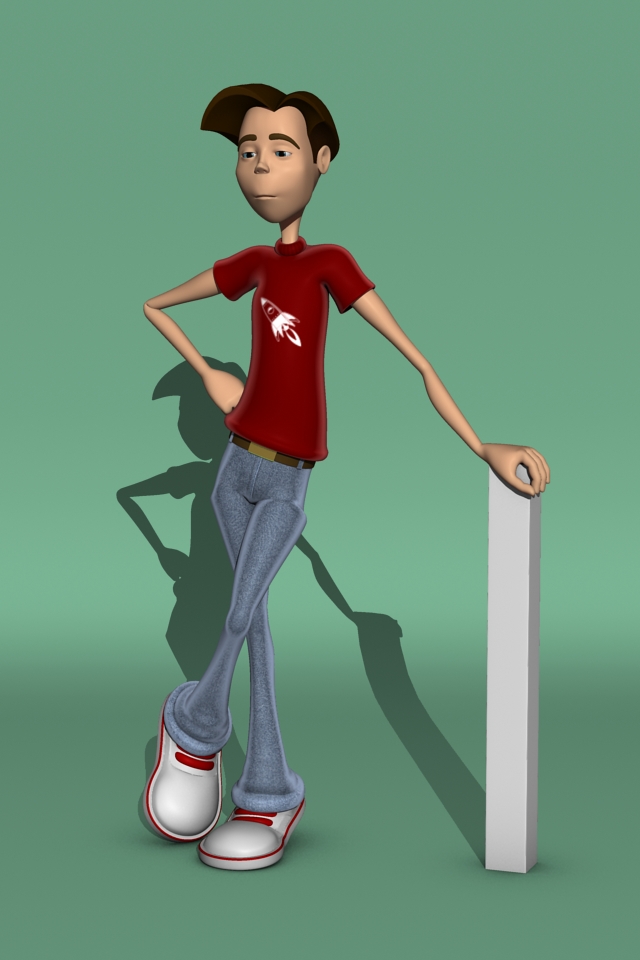
| Final Render |

|
| Before Occlusion Node Was Added |
|
| After Occlusion Node Was Added |
|
| Skin Adjustments (Tint Of Red And Blue) |
|
| Ground Adjustments |
|
| Clothes Adjustments |
|
| Shoe Adjustments |
|
| Hair Adjustments |
|
| Final Render |
 |
| Hypershade With The Necessary Nodes Added |
 |
| The Ramp Shader Assigned To The Lambert |
 |
| 50% If The White To Ensure More Transparency |
 |
| Ambient Light Added To The Scene |
 |
| Glow Added To The Material |
 |
| Setting Up Th Nodes |
 |
| After The Normals Are Flipped, Assign One Material File On One Side |
 |
| After The Normals Are Flipped, Assign One Material File On The Other Side |
 |
| How The Other Side Should Look Like |


 |
| Adding Planes and Parenting It To Each Joint |
 |
| After The Weight Have Been Painted on Each Knuckle |
 |
| Elbow Interactive Weight Painting |
 |
| Bicep Interactive Weight Painting |
 |
| After Set Driven Key for Elbow and Biceps |
 |
| Pinky_03_Joint_Weight Painted |
 |
| Middle_03_Joint_Weight Painted |
 |
| Index_03_Joint_Weight Painted |
 |
| Thumb_Twist_Joint_Weight Painted |
 |
| Wrist_Joint_Weight Painted |
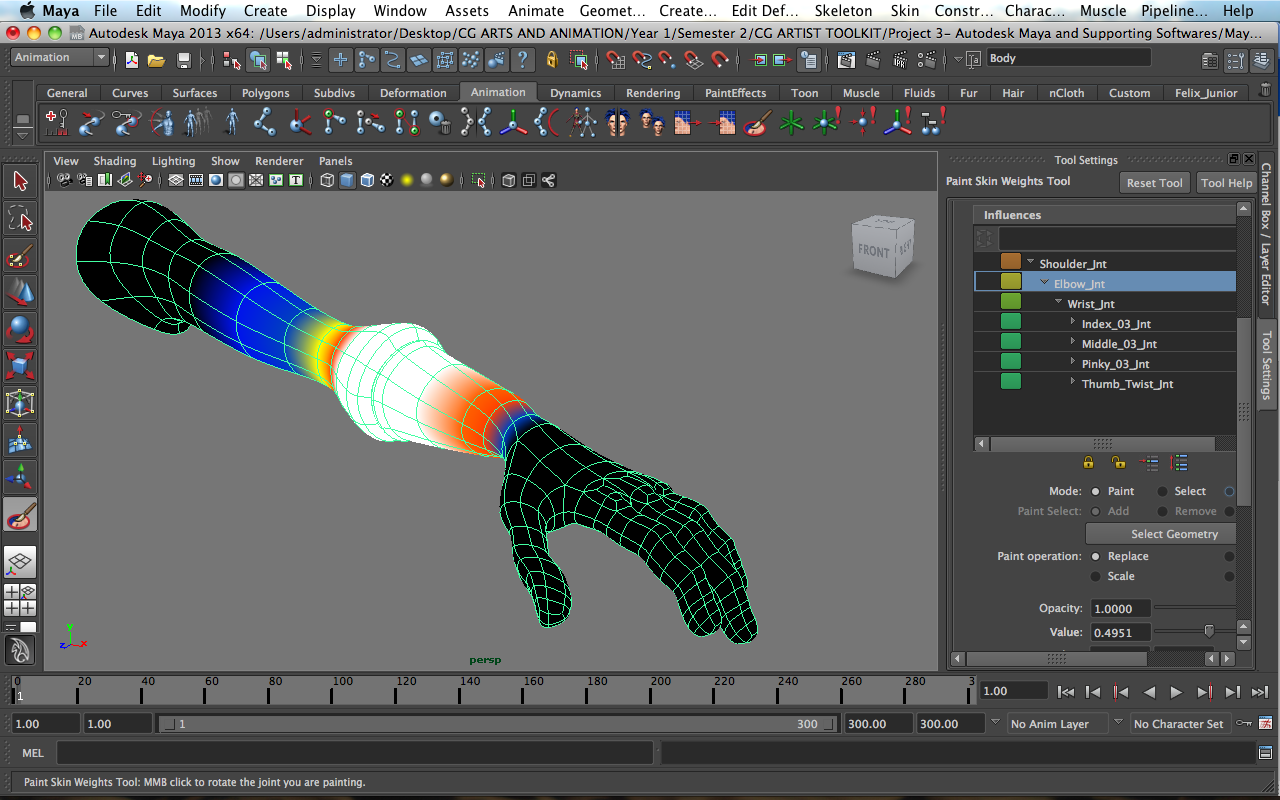 |
| Elbow_Joint_Weight Painted |
 |
| Shoulder_Joint_Weight Painted |
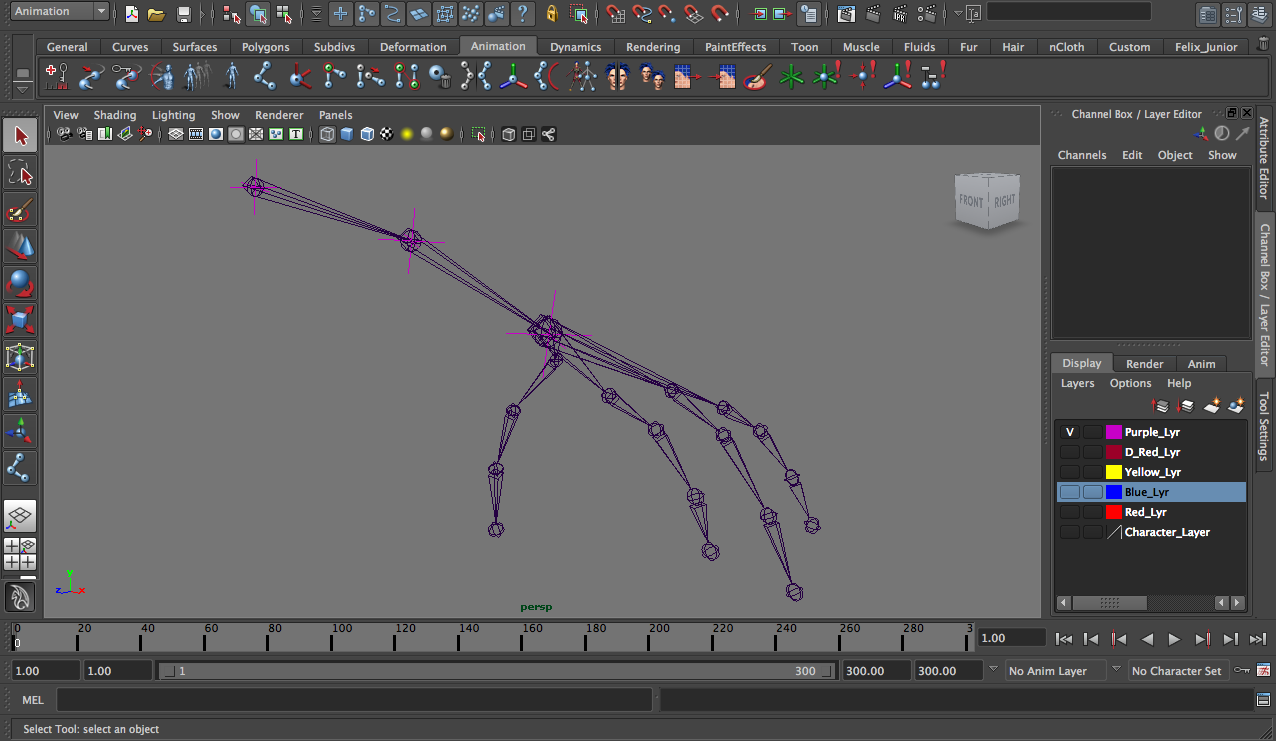 |
| Setting Up The Joints By Using The Locators as Guidance |
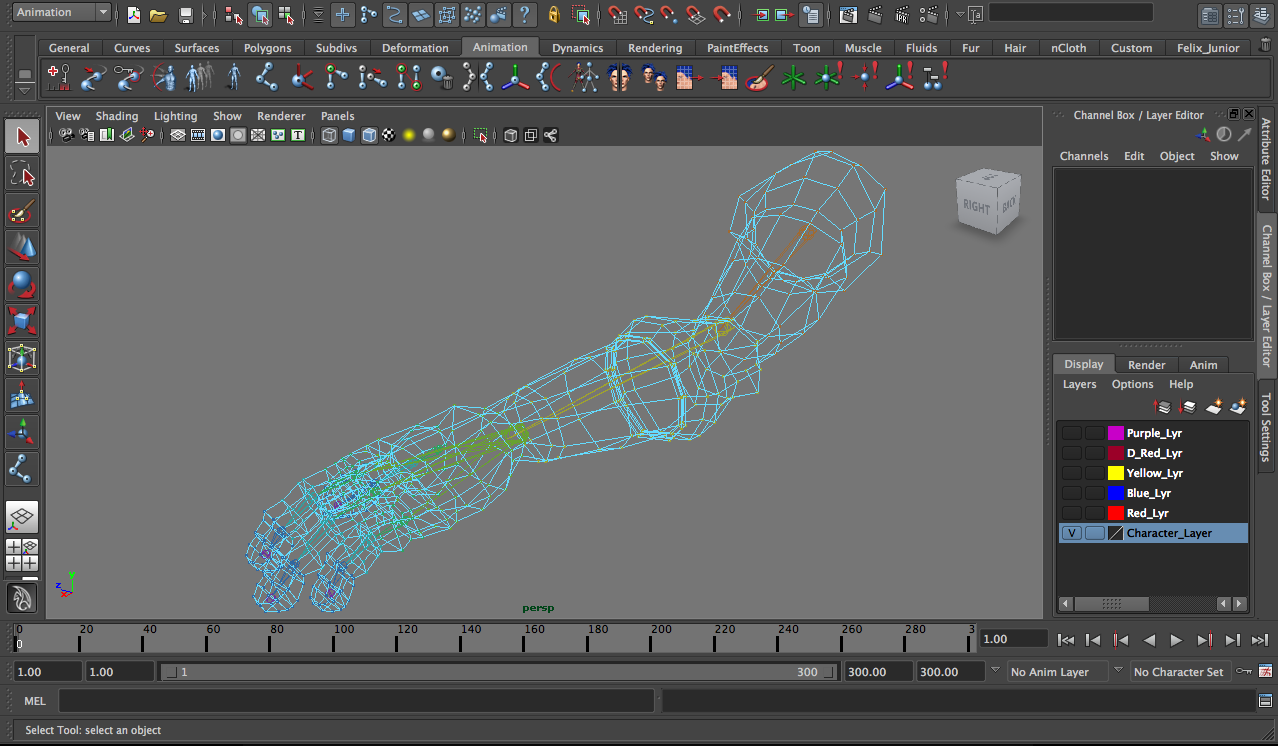 |
| Binding The Joints With The Arm Using Smooth Binding |
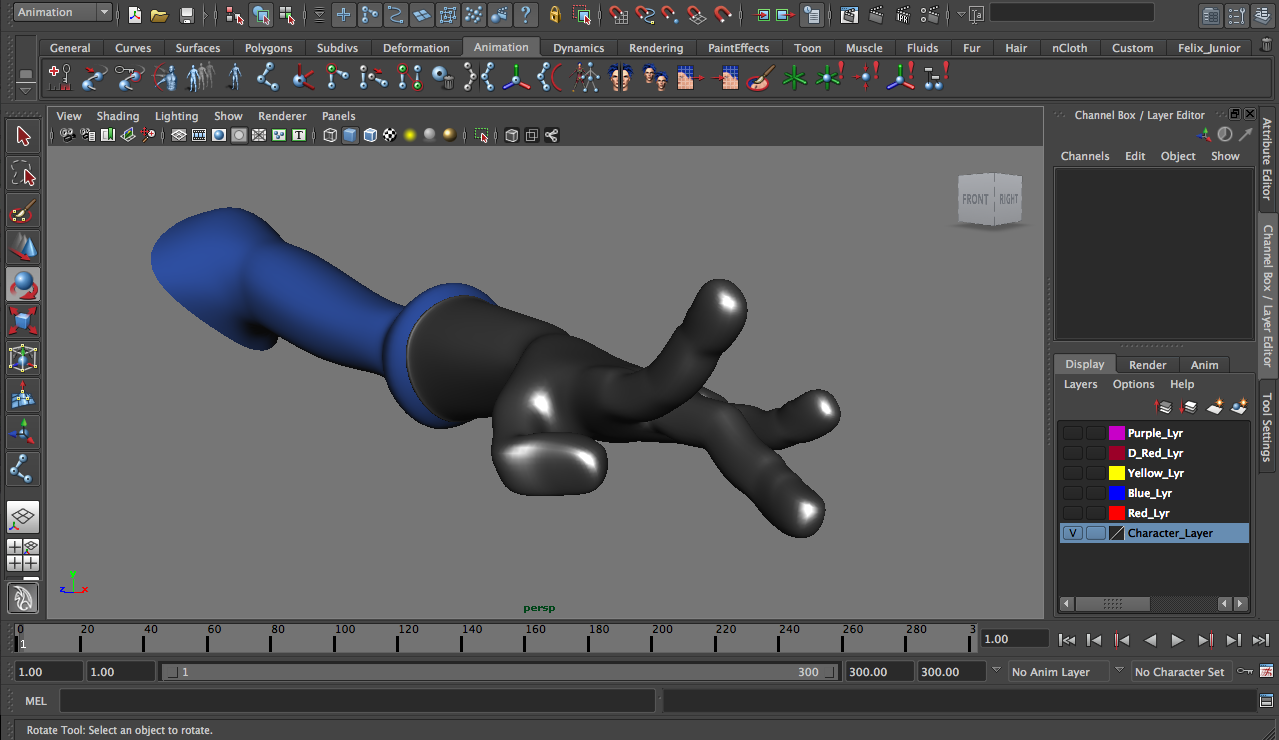 |
| Using the Component Editor To Clean Up The Weights |
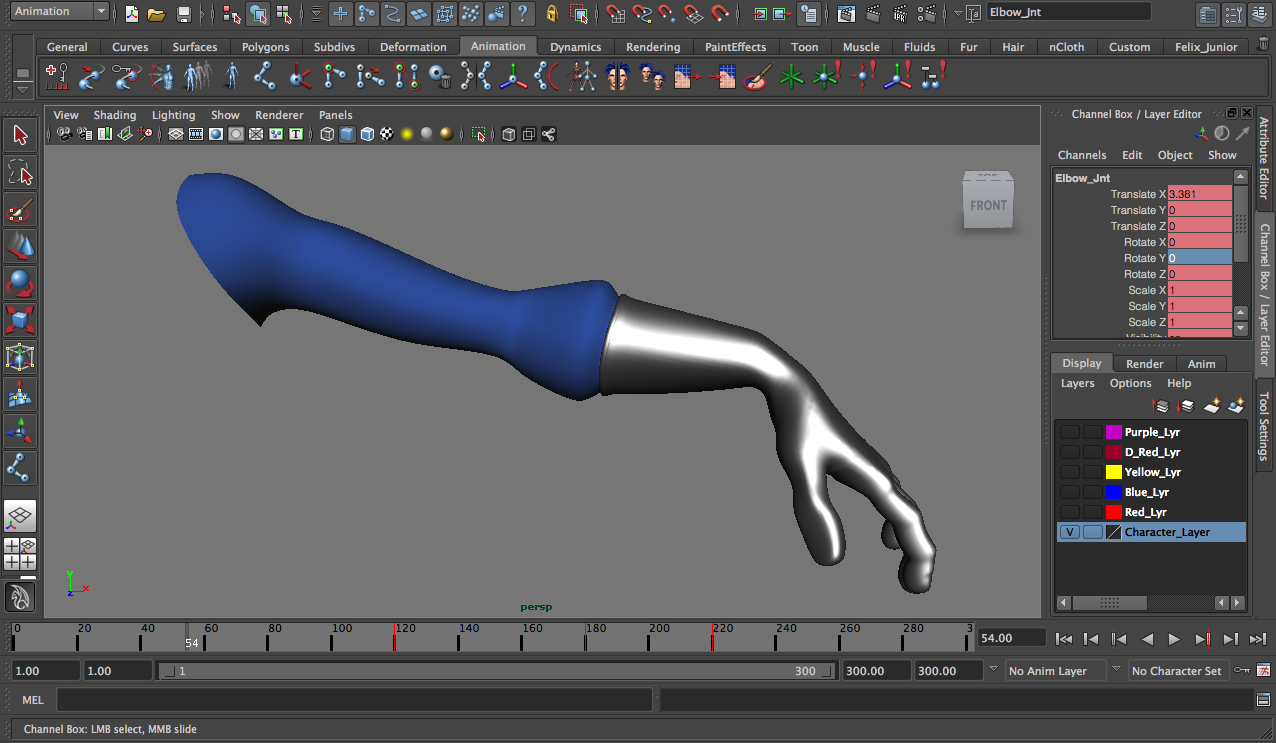 |
| After The Wrist Weight Clean Up |
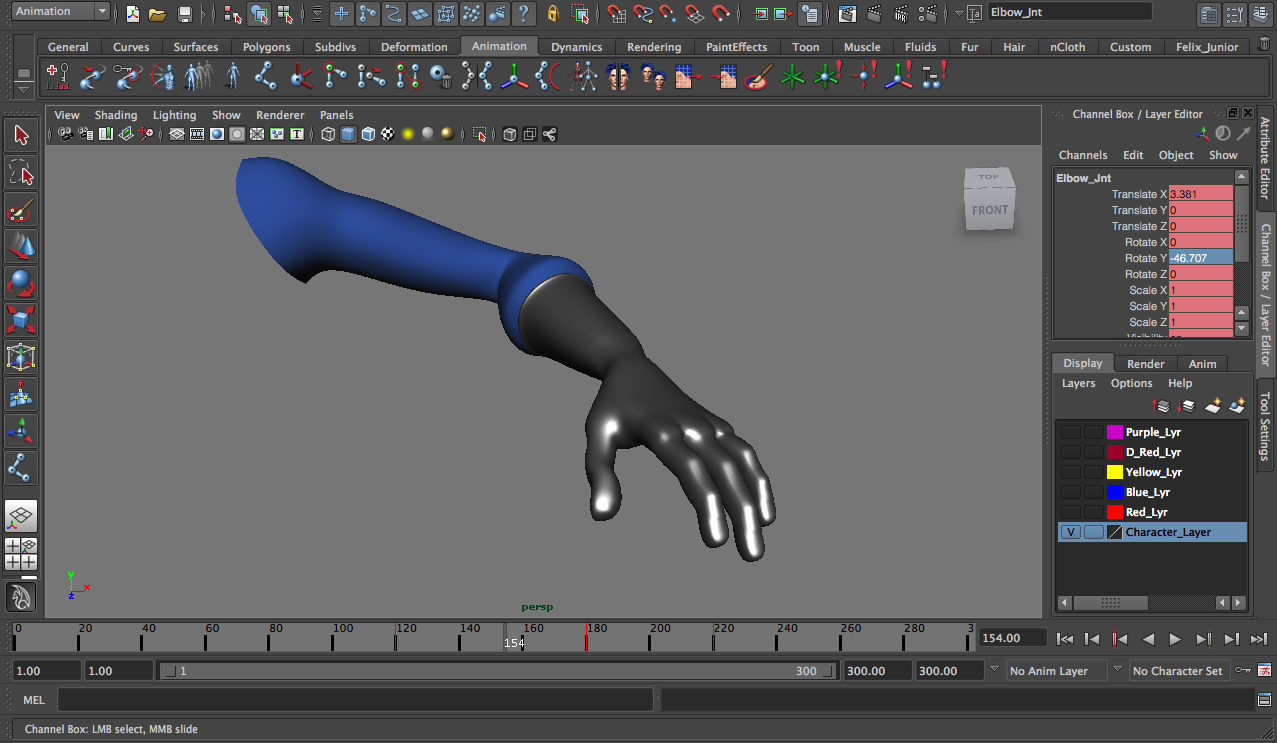 |
| After The Elbow Weight Clean Up |


 |
| With and Without Texture |
